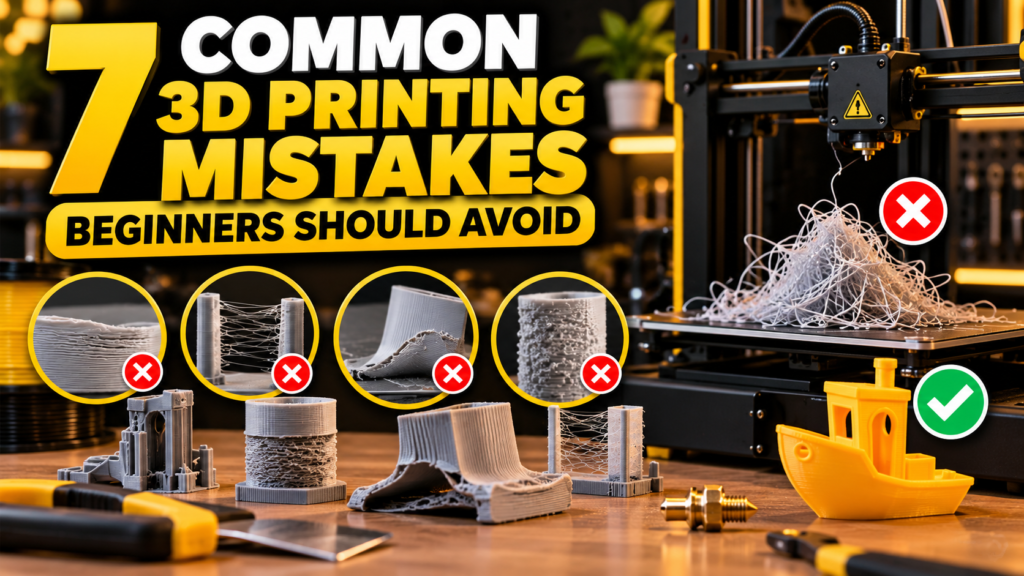
7 Common 3D Printing Mistakes Beginners Should Avoid
3D printing can be exciting, but beginners often run into problems that lead to failed prints, wasted filament, and poor print quality. The good news is that many of these problems are easy to prevent once you understand their causes.
In this guide, we’ll look at seven common 3D printing mistakes and simple ways to avoid them.
1. Printing Without Leveling the Bed
A properly leveled print bed is essential for a successful first layer. If the nozzle is too far from the bed, the filament may not stick. If it is too close, the filament may not flow correctly.
Before starting an important print, check your bed level and make sure the nozzle distance is properly adjusted.
2. Using the Wrong Printing Temperature
Every filament has a recommended printing temperature range. Using a temperature that is too low can cause weak layer adhesion, while excessive heat may create stringing or poor surface quality.
Start with the temperature recommended by the filament manufacturer and make small adjustments when necessary.
3. Ignoring the First Layer
The first layer is one of the most important parts of any 3D print.
Watch the printer during the first few minutes and make sure the filament is sticking evenly to the build plate. Fixing a problem early can save hours of printing and prevent wasted material.
4. Printing Too Fast
Higher speeds may reduce printing time, but they can also reduce quality.
Beginners should start with moderate print speeds and increase them gradually as they become familiar with their printer. Detailed models often benefit from slower speeds.
5. Using Wet Filament
Many types of filament absorb moisture from the air. Wet filament can cause popping sounds, inconsistent extrusion, stringing, and rough surfaces.
Keep filament in a dry location or sealed container when it is not being used.
6. Forgetting About Supports
Some models contain steep overhangs or parts that cannot be printed properly in mid-air.
Before printing, preview the sliced model carefully. Add supports where necessary, but avoid excessive supports because they consume additional material and can make cleanup more difficult.
7. Skipping Regular Printer Maintenance
A 3D printer needs occasional maintenance to continue producing reliable results.
Check the nozzle, belts, print bed, extruder, and moving components regularly. Keeping the printer clean and properly adjusted can prevent many common printing problems.
Final Thoughts
Successful 3D printing is often about making small adjustments and learning how your printer behaves.
Take your time, check the first layer, use appropriate settings for your filament, and maintain your printer regularly. With experience, troubleshooting becomes much easier and failed prints become less common.
Explore YellowSTL for more 3D printing ideas, useful models, and beginner-friendly guides.